Log in
Go to the login form
Most venues will have a menu item near the top of the screen which says "Log in". Click that.
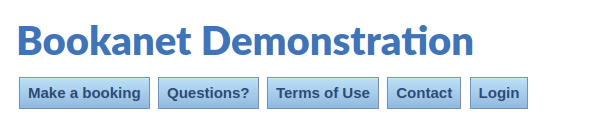
If you don't see it, look for a menu item which says "My account"; this will indicate that you're already logged in.
Enter your email and password
Now you'll enter the email address and password associated with your account, then click "Log In" to log in.
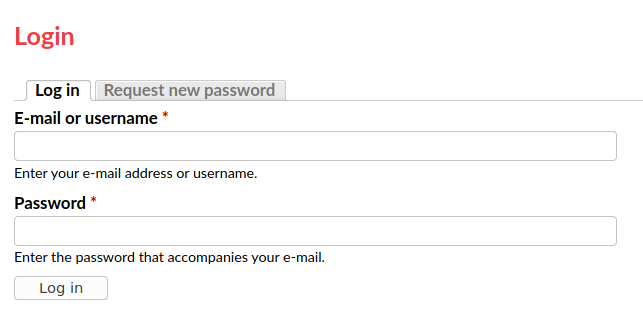
Above: Login form
If that worked, great! Continue to manage your site.
Error messages and next steps.
If that didn't work, you might see an error message saying:
"Sorry, unrecognized username or password. Have you forgotten your password?"
This contains a link to let you reset your password if you don't know it. Check there isn't a typo in your email address first!
If you don't know your password, see reset your password.